Multi-Location Inventory for Shopify: Setup, Transfers & Allocation
By Canopy Team
Quick answer
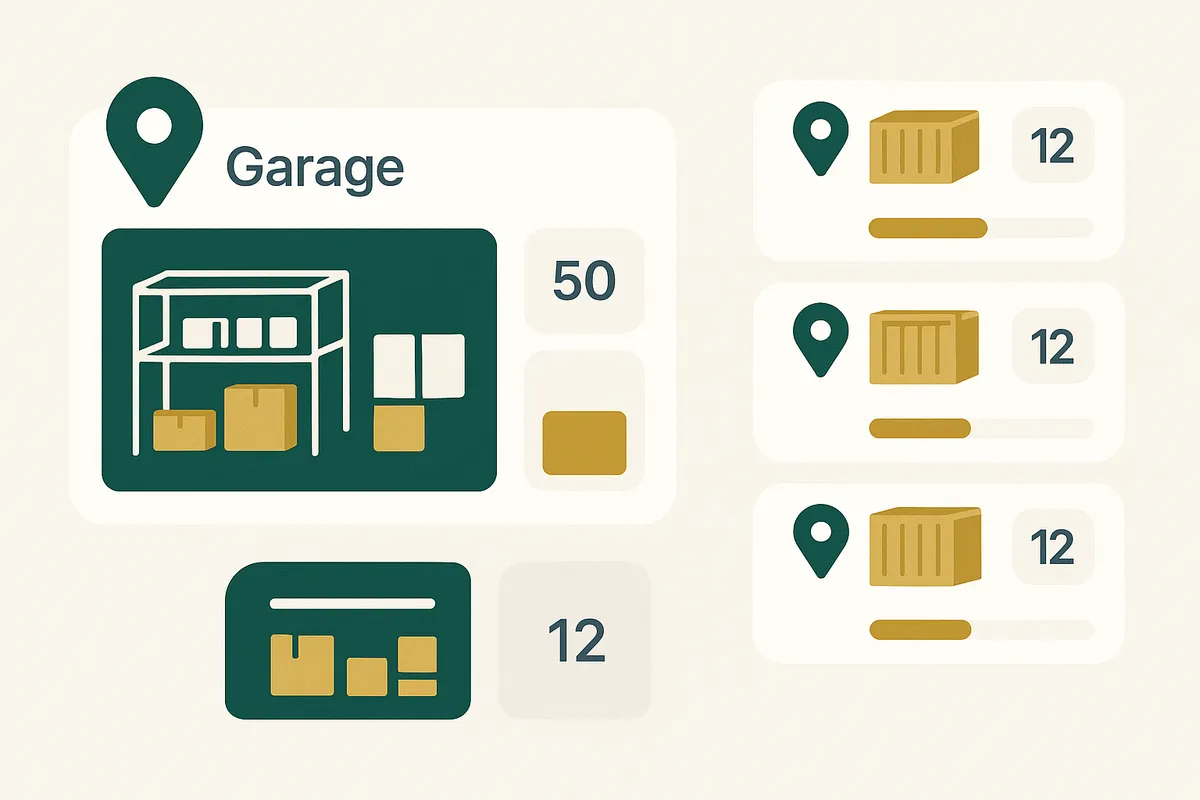
Shopify supports up to 1,000 locations per store. To set up multi-location inventory, go to Settings > Locations in your Shopify admin, add each physical location, then assign products to locations and set stock levels per location. The real challenge is not the setup — it is managing transfers between locations, setting allocation rules for fulfilment, and maintaining accurate stock counts across all locations. Bailey & Coco runs 5 locations (main warehouse, overflow storage, Amazon FBA, retail pop-up, and returns processing) and each serves a specific operational purpose.
Why multi-location inventory matters
As an ecommerce brand grows beyond a single storage space, inventory management complexity increases exponentially. A single location is straightforward: you have X units, you sell Y per week, you reorder when stock gets low. Two locations double the tracking burden — but more importantly, they introduce a new category of problems: transfer management, allocation decisions, and the risk of inventory being "in transit" between locations where it cannot be sold.
Most Shopify brands expand to multiple locations for practical reasons: the main warehouse is full, Amazon FBA requires stock at their fulfilment centres, a retail pop-up needs dedicated inventory, or returns need to be processed separately from sellable stock. Each reason is valid, but each location you add reduces your visibility into total inventory unless your systems are set up to provide a unified view.
Setting up locations in Shopify
The technical setup in Shopify is straightforward. Go to Settings > Locations and add each physical location with its name, address, and fulfilment capability. You can designate locations as fulfilment locations (they can ship orders), non-fulfilment locations (they hold stock but do not ship — useful for overflow storage or incoming goods staging areas), or apps (third-party fulfilment services like Amazon FBA or ShipBob).
For each product, you then set stock levels per location. By default, Shopify shows total stock across all locations to customers. Fulfilment priority determines which location ships an order — Shopify can be set to fulfil from the closest location, the location with the most stock, or a fixed priority order.
The setup takes 30-60 minutes for most brands. The ongoing management is where the complexity lives.
Bailey & Coco's 5-location system
Bailey & Coco operates 5 Shopify locations, each serving a specific function:
Location 1: Main Warehouse (Birmingham) — Primary storage and fulfilment location. Holds 60-70% of total inventory. All Shopify orders fulfil from here by default. This is the location with pick-and-pack stations, packing materials, and courier collection.
Location 2: Overflow Storage (Birmingham, separate unit) — When a container shipment arrives and the main warehouse is full, excess stock goes here. This location is flagged as non-fulfilment — stock must be transferred to the main warehouse before it can ship. Capacity: approximately 40 pallets.
Location 3: Amazon FBA — Stock sent to Amazon's fulfilment centres for Prime-eligible listings. Approximately 15% of total inventory is allocated here. Stock levels are managed via Amazon Seller Central but tracked in Shopify to maintain a unified view.
Location 4: Retail Pop-Up — Used during seasonal pop-up events (Christmas markets, dog shows). Stock is transferred from the main warehouse before events and returned afterwards. Typically holds 200-300 SKUs.
Location 5: Returns Processing — A dedicated location for returned items awaiting inspection. Items here are not available for sale until inspected and either returned to sellable stock (transferred to Location 1) or written off as damaged. This separation prevents returned items from accidentally being fulfilled before quality checking.
Multi-location inventory with total visibility
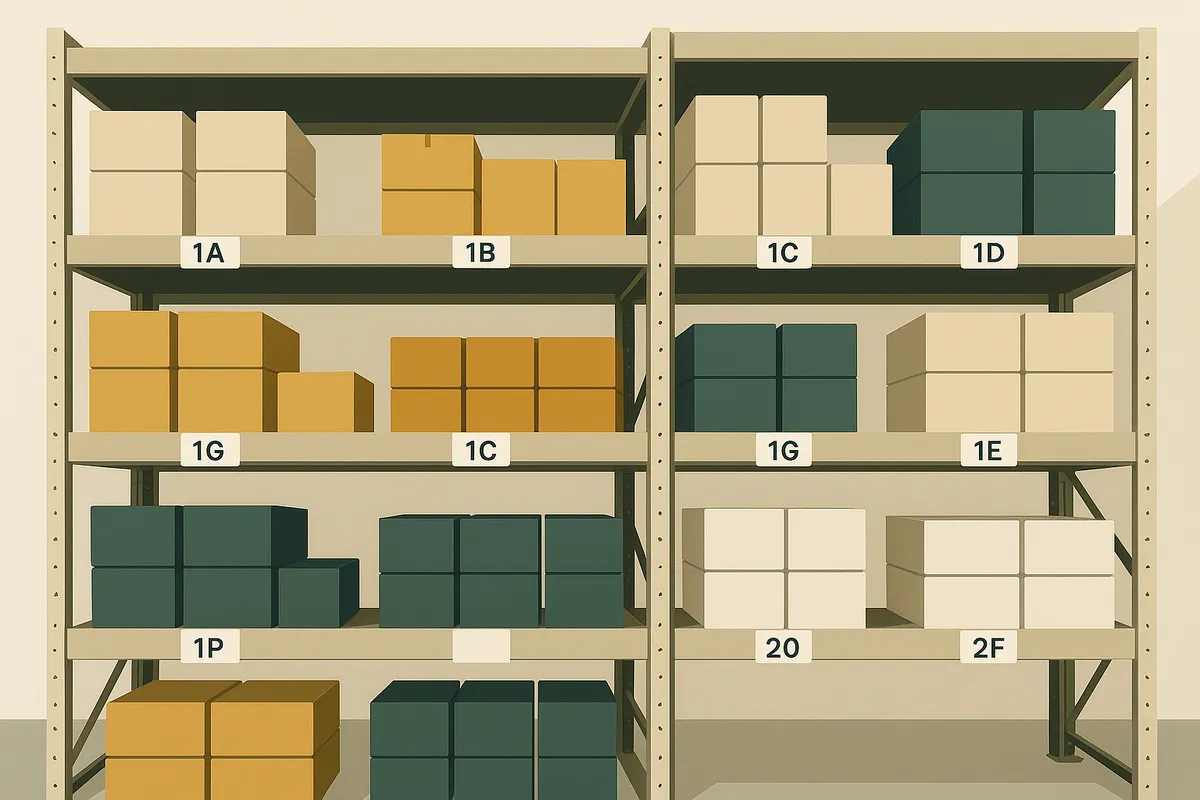
Canopy gives Shopify brands the inventory clarity they need to grow.
Transfer management: the hidden complexity
Transfers between locations are the most operationally tricky aspect of multi-location inventory. When you transfer 200 units from overflow storage to the main warehouse, those units are technically "in transit" — they have left one location but have not arrived at another. During this window, Shopify reduces stock at the origin and has not yet added it to the destination. This is correct accounting, but it means your total available-to-sell stock drops temporarily. For a 30-second walk between adjacent warehouse units, this is trivial. For a transfer to Amazon FBA that takes 5-7 days, those units are unsellable for a week. If you have low stock on a fast-moving SKU and initiate a transfer to FBA, you might stockout on your Shopify store while the transfer is in transit. The solution is to plan transfers during high-stock periods and to treat "in transit" inventory as a separate category in your weeks cover calculations.
Allocation rules: where should stock go?
Allocation is the decision of how to distribute incoming stock across your locations. When a container of 3,500 units arrives, how many go to the main warehouse, how many to Amazon FBA, and how many to overflow storage?
The optimal allocation depends on two factors: channel demand ratio and storage capacity. If 80% of your sales come from Shopify direct and 20% from Amazon, a starting allocation is 80/20. But you need to adjust for lead time differences — restocking FBA takes 5-7 days (transfer time) while restocking your own warehouse is immediate (it is already there). So you might allocate 25% to FBA to provide a buffer for the slower replenishment cycle.
Bailey & Coco uses a formulaic approach: calculate the next 12 weeks of projected demand per channel, allocate stock to each channel to meet that demand plus 3 weeks safety stock, and put the remainder in overflow storage. This formula is recalculated every time a shipment arrives.

Weeks cover per location: the metric that matters
Total weeks cover across all locations is useful but insufficient. You need to know weeks cover per location per SKU to prevent location-specific stockouts. If your total stock is healthy at 10 weeks cover but 95% of it is in overflow storage and your main warehouse is at 1 week cover, you will stockout on Shopify orders within days. Canopy calculates weeks cover per location and per channel, showing you not just total stock health but location-specific stock health. A SKU can be green overall but red at a specific location — and that location-level alert is what triggers a transfer rather than a purchase order. This distinction — knowing whether to transfer or to reorder — is one of the most valuable insights multi-location weeks cover tracking provides.
Common multi-location mistakes
- Not separating returns from sellable stock — returned items mixed with sellable inventory creates quality control risks and inaccurate stock counts.
- Treating Amazon FBA as "set and forget" — FBA stock levels need monitoring and replenishment just like your own warehouse.
- Manual transfer tracking — if you are recording transfers on paper or in spreadsheets, errors will accumulate. Use Shopify's native transfer system or a dedicated tool.
- Ignoring in-transit inventory — stock being transferred is not available for sale. Account for it in your available-to-sell calculations.
- Over-allocating to secondary locations — keeping too much stock at pop-up locations or FBA reduces your flexibility to fulfil from your primary location.
- Not doing location-specific stocktakes — stocktakes must be done per location. A total count that matches does not mean each location is accurate.
Frequently Asked Questions
Shopify supports up to 1,000 locations per store. Locations can be physical warehouses, retail stores, pop-ups, third-party fulfilment centres (like Amazon FBA), or any other place where you hold inventory.
Go to Products > Transfers in your Shopify admin, select the origin and destination locations, choose the products and quantities, and create the transfer. Stock is deducted from the origin immediately and added to the destination when you mark the transfer as received.
Yes. Setting up Amazon FBA as a Shopify location gives you a unified view of total inventory across channels. This prevents over-ordering by showing you stock that is available at FBA alongside your own warehouse stock.
Create a dedicated "Returns Processing" location. Returns go there first for inspection, then are transferred to your sellable stock location or written off as damaged. This prevents returned items from being accidentally fulfilled before quality checking.
Calculate projected demand per channel for the next 12 weeks, allocate stock to meet that demand plus safety stock, and put the remainder in your primary storage location. Recalculate allocation each time a new shipment arrives.
Related pages
Related Articles
Get early access to Canopy
The inventory system built for Shopify brands. No spam — just a heads-up when we launch.