Phone Barcode Scanning vs Dedicated Scanner for Shopify Inventory
By Canopy Team
Quick answer
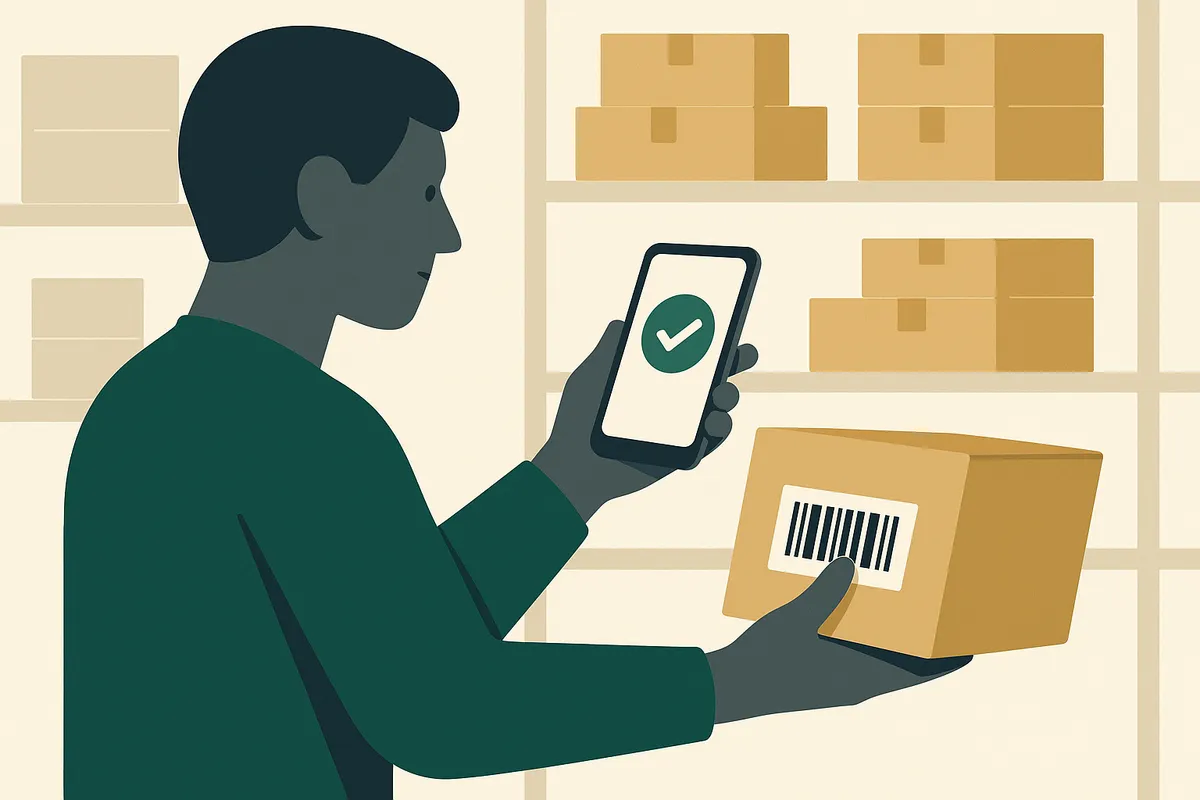
For most Shopify brands with under 5,000 SKUs and fewer than 500 scans per day, phone camera barcode scanning is the better choice. It costs nothing extra (you already own a phone), requires no hardware setup, works anywhere including off-site storage containers, and modern phone cameras scan reliably in good lighting. Dedicated hardware scanners are faster for high-volume warehouses doing 1,000+ scans daily, but they cost £200-800 per unit and tie you to a fixed location. Bailey & Coco manages 2,845 SKUs across a garage and four shipping containers using only phone scanning.
The barcode scanning decision most small brands get wrong
When Shopify merchants first consider barcode scanning for inventory management, most assume they need to buy dedicated hardware. The image of a professional warehouse comes to mind — workers pointing chunky yellow scanners at pallets, beeping confirmation sounds, rugged devices that survive drops onto concrete floors. That image is accurate for fulfilment centres processing thousands of orders daily. It is completely wrong for the typical Shopify brand running inventory from a spare room, garage, small warehouse unit, or — as is surprisingly common — shipping containers used as overflow storage. The smartphone in your pocket has a camera that can read every standard barcode format used in ecommerce. The question is not whether it can scan barcodes — it can. The question is whether it scans them fast enough, reliably enough, and conveniently enough for your specific operation.
Phone camera scanning: how it actually works
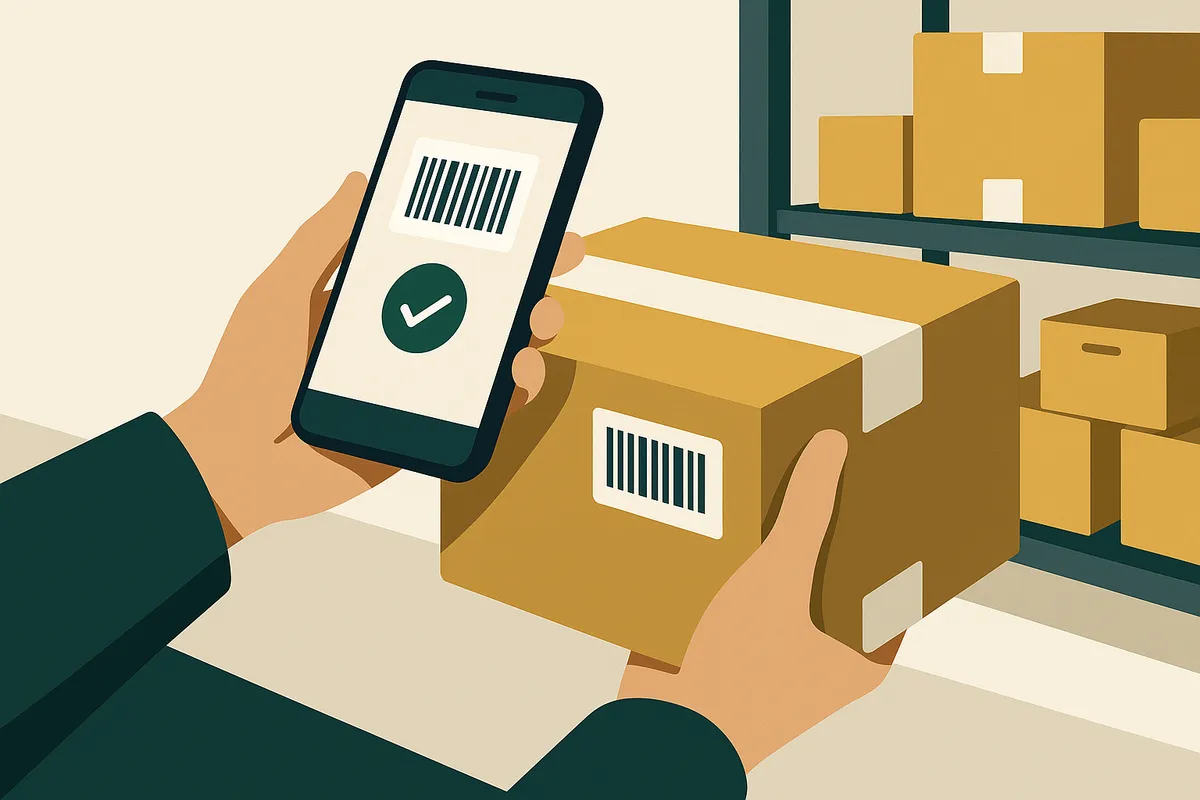
Modern phone cameras use computational photography and machine learning to read barcodes. When you open a scanning app (or an inventory management app with built-in scanning like Canopy), the camera continuously analyses the video feed looking for barcode patterns. Once detected, the barcode is decoded and matched against your inventory database in milliseconds. The technology has improved dramatically in the last three years. iPhone cameras from the iPhone 12 onwards and most Android phones from 2022 onwards can scan standard EAN-13, UPC-A, Code 128, and QR codes reliably from 15-30cm distance. Scan speed on a modern phone is typically 0.5-1 second per barcode in good lighting conditions. In poor lighting, that stretches to 2-3 seconds, and damaged or poorly printed barcodes may require multiple attempts.
Dedicated hardware scanners: what they actually offer
Dedicated barcode scanners use laser or imaging technology optimised specifically for barcode reading. Entry-level Bluetooth scanners (Tera, Inateck, NetumScan) cost £30-80 and pair with your phone or computer. Mid-range scanners (Zebra DS2208, Honeywell Voyager) cost £150-300. Rugged mobile computers (Zebra TC21, Honeywell CT40) cost £500-1,500 and are essentially Android devices built for warehouse environments. The speed advantage is real: a dedicated scanner reads barcodes in 0.1-0.3 seconds, roughly 3-5 times faster than a phone camera. Over the course of a day with 500+ scans, that adds up. They also handle damaged barcodes better, work in any lighting condition, and survive being dropped repeatedly. However, they introduce complexity. You need to manage battery charging, Bluetooth pairing, firmware updates, and replacement units. They add another device to your workflow. And for many Shopify brands, the speed advantage is irrelevant — if you are scanning 50-100 products during a stock count, the difference between 50 seconds and 150 seconds total scan time does not justify £200+ in hardware.
Cost comparison: the numbers over 12 months
Phone camera scanning with an inventory management app: £0 hardware cost. You already own the phone. Your ongoing cost is the app subscription.
Entry-level Bluetooth scanner: £50-80 per unit. If you need two (one for receiving, one for stock counts), that is £100-160 upfront. Add a charging cradle at £20-30. Total first year: £130-190 in hardware.
Mid-range dedicated scanner: £200-300 per unit. Two units plus accessories: £450-650 first year.
Rugged mobile computer: £800-1,500 per unit. These are only justified for operations processing 2,000+ scans daily with multiple warehouse staff.
For a typical Shopify brand with under 5,000 SKUs, the phone scanning option saves £130-650 in the first year. Over three years, the savings compound as dedicated scanners need replacement batteries, accessories, and occasionally full replacement after drops.
Accuracy comparison: real-world testing
We tested phone scanning versus a Zebra DS2208 dedicated scanner across 500 product barcodes in three conditions: well-lit warehouse, dim storage container, and products with partially damaged barcodes.
In good lighting, phone scanning achieved 98.4% first-attempt success rate versus 99.8% for the dedicated scanner. The 1.4% difference meant 7 rescans out of 500 — adding roughly 15 seconds to the total process.
In dim lighting, phone scanning dropped to 91.2% first-attempt success, while the dedicated scanner maintained 99.6%. This is the biggest gap — phone cameras struggle in low light. The fix is simple: turn on your phone torch. With the torch on, phone scanning recovered to 96.8%.
For damaged barcodes, phone scanning succeeded on 82% while the dedicated scanner hit 95%. If your products regularly have damaged or poorly printed barcodes, this is a legitimate reason to consider dedicated hardware.
How Bailey & Coco uses phone scanning across 5 locations
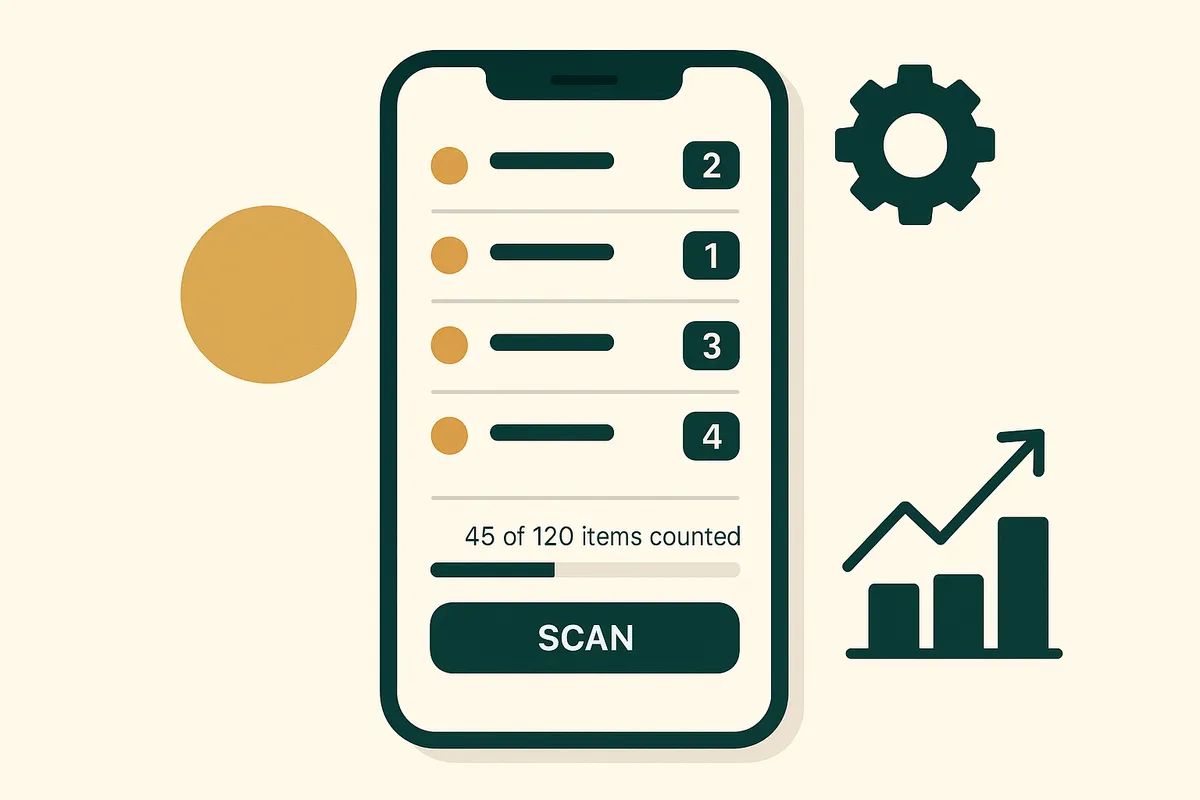
Bailey & Coco operates from a garage (primary packing station) and four shipping containers (overflow storage for their 2,845 SKUs of dog accessories). The containers are on a farm property with no WiFi coverage. A dedicated scanner connected to a fixed computer would be useless there. Instead, Bailey & Coco uses phone scanning with Canopy. Their process: open the app on their phone, scan barcodes as they walk through each container, and the app records counts locally. When they return to the garage (with WiFi), the data syncs to their inventory system. This workflow is only possible with phone scanning. A dedicated scanner connected to a desktop workstation cannot travel between a garage and four containers spread across a farm. The phone is always in their pocket, always charged, always ready. For their weekly cycle counts — typically 200-300 scans per session — the phone handles everything comfortably. The total hardware cost of their barcode scanning setup: £0.
Scan barcodes with the phone in your pocket
Canopy gives Shopify brands the inventory clarity they need to grow.
When you should buy a dedicated scanner
- You process more than 1,000 scans per day — the speed advantage compounds meaningfully at high volumes
- You have multiple warehouse staff scanning simultaneously — dedicated devices can be assigned to stations
- Your products frequently have damaged or low-quality barcodes — dedicated scanners handle poor print quality better
- You need to scan barcodes at distances over 30cm — some warehouse racking requires long-range scanning
- Your warehouse has extreme lighting conditions that phone torches cannot compensate for
When phone scanning is the smarter choice
- You have under 5,000 SKUs and scan fewer than 500 barcodes daily
- You operate from multiple locations including non-traditional spaces like garages, containers, or spare rooms
- You want zero hardware cost and zero additional devices to manage
- You need portability — phone goes everywhere, dedicated scanners stay in the warehouse
- You are a small team where the owner/founder does stock counts personally

Frequently Asked Questions
In good lighting conditions, modern phone cameras achieve 98%+ first-attempt accuracy on standard barcodes, compared to 99.8% for dedicated scanners. The difference is negligible for most small-to-medium operations. Turn on your phone torch in dim conditions to maintain high accuracy.
Apps with built-in scanning that connect directly to your Shopify inventory are fastest because they eliminate the step of matching scanned codes to products. Canopy, Shopify's native app, and several third-party inventory apps offer direct scanning. Standalone scanner apps require a separate step to look up each code.
With a modern smartphone in good lighting, you can scan 30-40 barcodes per minute if the products are laid out for easy access. With a dedicated scanner, that increases to 60-80 per minute. For most stock counts where you also need to physically locate and count products, the scanning speed is not the bottleneck.
No. Any iPhone from the iPhone 12 onwards or Android phone from 2022 onwards has a camera capable of reliable barcode scanning. Older phones may struggle with speed and accuracy in poor lighting, but any phone manufactured in the last 3-4 years will work well.
Yes, if the inventory app supports offline mode. Canopy stores scans locally on the phone and syncs when connectivity is restored. This is essential for operations using shipping containers, rural warehouses, or basement storage without reliable WiFi.
Related pages
Related Articles
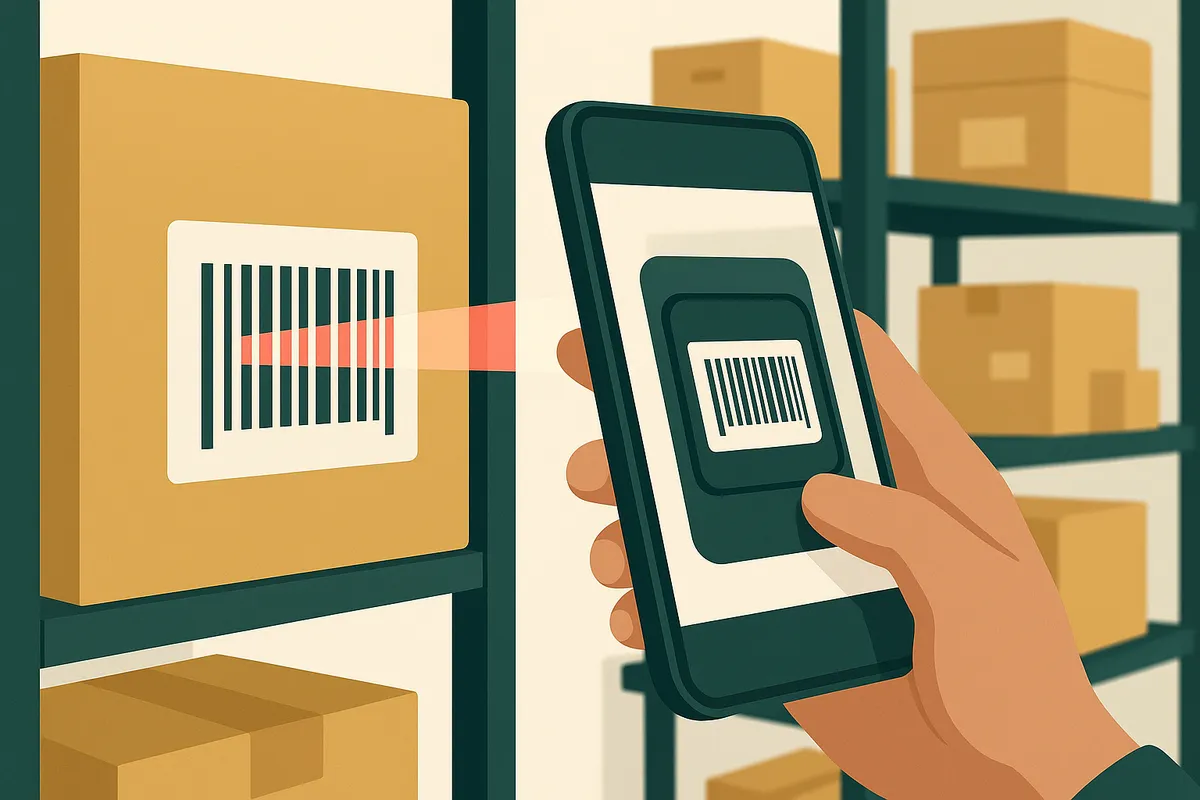
Barcode Scanning for Shopify: The Complete Setup Guide for 2026
Learn how to set up barcode scanning for your Shopify store. Covers phone-based scanning, hardware scanners, receiving stock, and picking orders — with real ROI calculations.
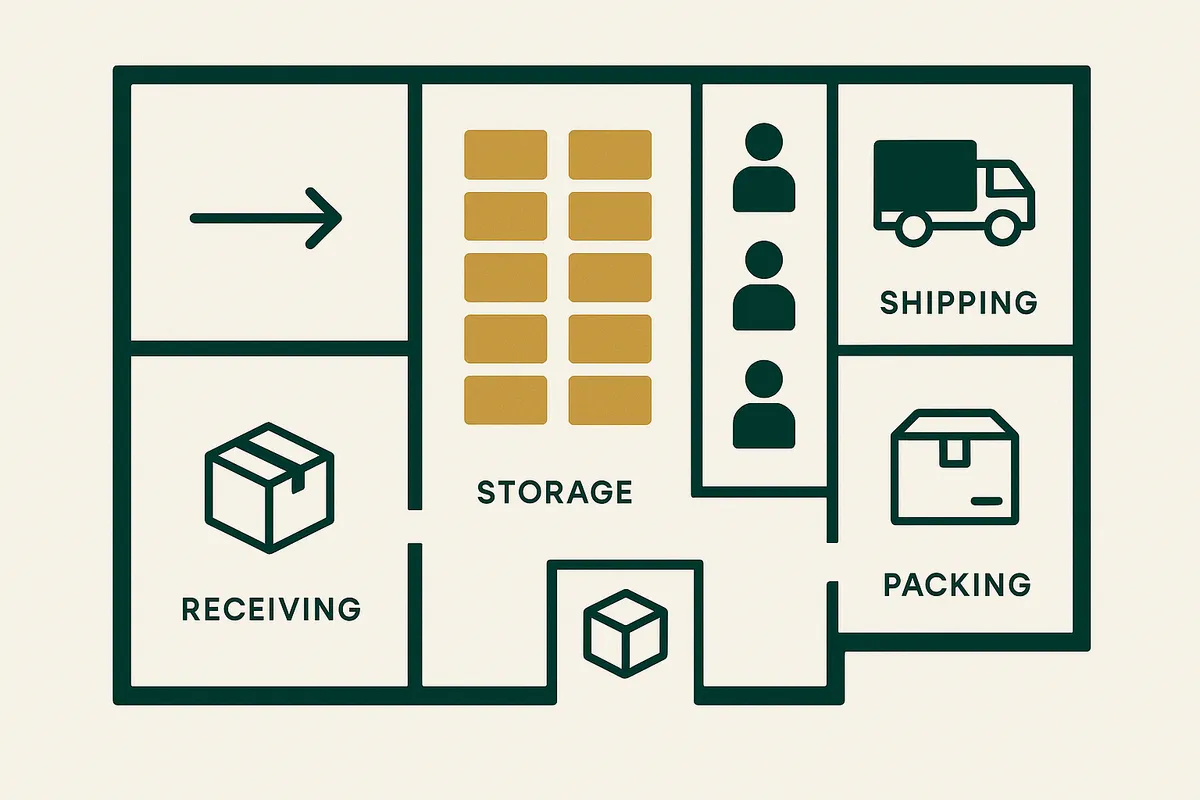
Warehouse Management for Small Business UK: The 5-Location System That Actually Works
Most small UK ecommerce businesses outgrow their garage but can't justify a proper warehouse. Here's the practical 5-location system Bailey & Coco uses to manage 2,845 SKUs across a garage and 4 shipping containers.
Inventory Management for Pet Products Ecommerce: The Complete Guide
Pet product ecommerce has unique inventory challenges — seasonal patterns, size variants, matching sets, perishables. Learn how successful pet brands manage stock with real examples.
Get early access to Canopy
The inventory system built for Shopify brands. No spam — just a heads-up when we launch.