How to Know When to Reorder Stock (Without Guessing)
By Canopy Team

Quick answer
You should reorder stock when your inventory drops to your reorder point: the level calculated by multiplying your average daily sales by your supplier lead time in days, plus a safety buffer. For example, if you sell 5 units per day and your supplier takes 70 days to deliver, your reorder point is 350 units plus safety stock. When stock hits that number, place the order immediately. This removes guesswork entirely.
Why gut-feel ordering costs you money
Most Shopify brand owners reorder stock the same way: they look at their inventory, think "that looks low", and place an order. Sometimes the gut is right. Often it is wrong in one of two directions. Order too late and your best seller stocks out for weeks while you wait for the replacement shipment. Order too early and you tie up cash in stock you did not need yet — cash that could have funded a new product launch or a marketing campaign. Gut-feel ordering is especially dangerous when lead times are long. With a 10-week lead time, the consequences of a wrong decision do not show up for months.
The reorder point formula
The reorder point removes guesswork by turning the decision into a number. The formula is: Reorder Point = (Average Daily Sales x Lead Time in Days) + Safety Stock. When your stock level drops to this number, you place the order. No thinking required.
Here is a worked example. You sell a harness that averages 3 units per day. Your supplier in China takes 70 days to produce and 120 days to ship — 190 days total lead time. Your safety buffer is 14 days of extra stock. Reorder Point = (3 x 190) + (3 x 14) = 570 + 42 = 612 units. When your stock of that harness hits 612 units, you order. If you wait until stock hits 200 units, you are already 137 days too late and will be out of stock for over 4 months.
How to calculate average daily sales
Use the last 30-90 days of sales data. Divide total units sold by the number of days. For a product that sold 150 units in the last 30 days: 150 / 30 = 5 units per day. Use 30-day data for fast-moving products with stable demand. Use 90-day data for products with more variable demand — it smooths out spikes and dips. Do this calculation at the variant level (size, colour) not the product level. A Medium harness and an XS harness sell at very different rates.
How to set your safety stock buffer
Safety stock protects you from two types of uncertainty: demand spikes (selling more than expected) and supply delays (supplier delivering later than promised). A simple approach: set safety stock at 14-21 days of average daily sales. For a product selling 5 units per day, that is 70-105 units of safety stock. Increase the buffer for products with volatile demand or unreliable suppliers. Decrease it for stable, predictable products with reliable supply. The goal is not zero stockouts — that would require infinite stock. The goal is reducing stockout probability to an acceptable level.
Not sure what your reorder points should be? The calculator does the maths for you instantly.
Canopy gives Shopify brands the inventory clarity they need to grow.
When the formula is not enough
The basic reorder point formula works well for products with stable, predictable demand. It breaks down in three situations. First, seasonal products: a product that sells 2 units per day in January but 10 per day in November needs different reorder points for each season. Use last year's data for the equivalent period, not a rolling average. Second, new products with no sales history: estimate conservatively, monitor weekly, and adjust as data comes in. Third, products that are components of bundles: a harness that sells 3 units individually but also appears in 5 different bundle products might actually deplete at 8 units per day. Factor in bundle demand.
How to implement reorder points across your catalogue
- Start with your top 20 sellers. These are the SKUs where stockouts hurt most. Calculate reorder points for these first.
- Use ABC analysis to prioritise the rest. A-tier SKUs (top 20% by revenue) get precise reorder points. B-tier gets simpler calculations. C-tier gets monitored less frequently.
- Review and adjust monthly. Demand changes. Lead times change. Reorder points should be recalculated at least monthly using the most recent 30-90 days of sales data.
- Automate the calculation. Manually calculating reorder points for 500+ SKUs every month is not sustainable. This is where inventory software pays for itself.
Canopy calculates reorder points automatically for every SKU in your Shopify store, updated daily with live sales data and supplier lead times.
Canopy gives Shopify brands the inventory clarity they need to grow.
Frequently Asked Questions
A reorder point is the stock level at which you should place a new purchase order with your supplier. It is calculated as: (Average Daily Sales x Lead Time in Days) + Safety Stock. When your inventory for a SKU drops to this number, you order immediately to avoid a stockout.
For China sourcing, your lead time includes both production time (typically 30-90 days) and shipping time (20-45 days by sea). Add these together for your total lead time. Multiply by your average daily sales and add safety stock. With a 190-day combined lead time and 5 units per day sales, your reorder point would be at least 950 units plus safety stock.
No. Each size variant sells at a different rate and should have its own reorder point. A Medium harness might sell 5 per day while an XS sells 1 per day. Using the same reorder point would mean overstocking XS and understocking Medium. Always calculate at the variant level.
Monthly at minimum for most SKUs. Weekly for your top 20 best sellers and for any products with seasonal demand patterns. Reorder points should reflect your most recent sales data, not calculations done months ago.
The reorder point is WHEN to order (the stock level that triggers the purchase). The reorder quantity is HOW MUCH to order. They are calculated differently. Reorder quantity depends on factors like minimum order quantities, order costs, and how much stock you want to carry between orders.
Related pages
Related Articles
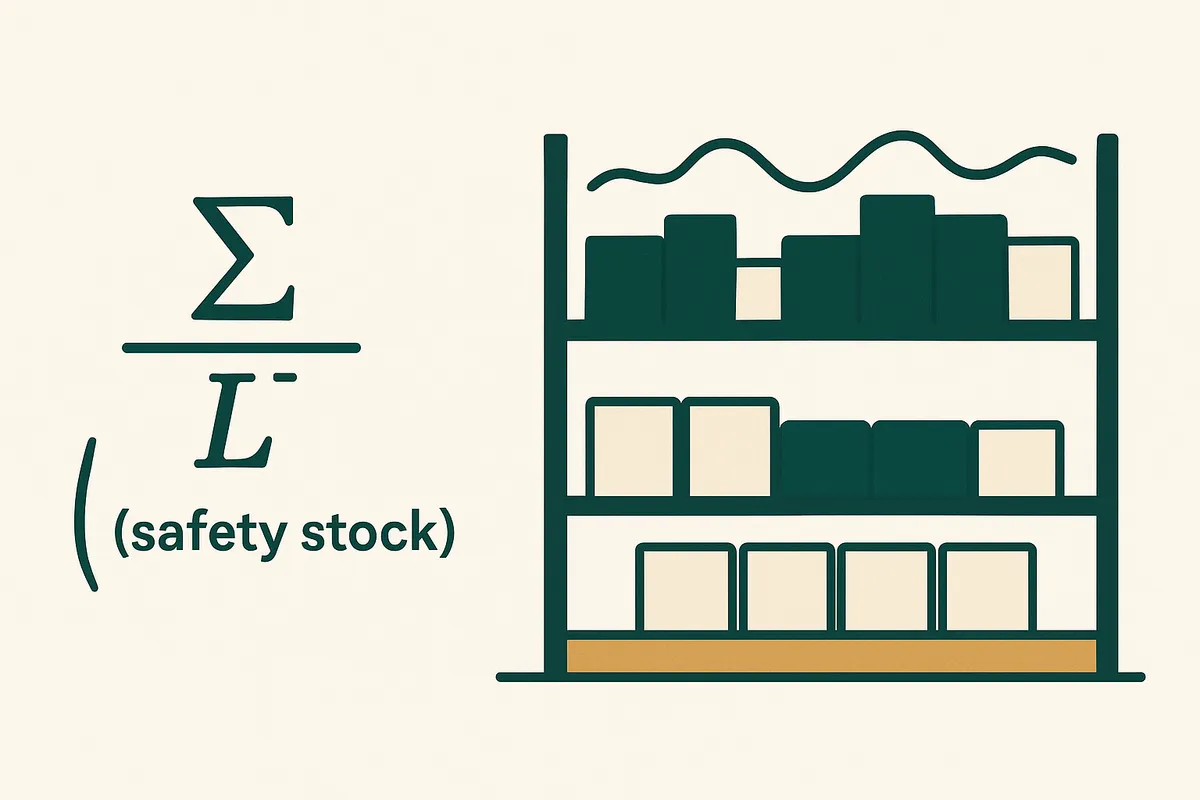
Safety Stock Formula for Ecommerce: The Calculation That Prevents Stockouts
The safety stock formula is Z x σd x √LT — but what does that actually mean? A plain-English breakdown with worked examples for ecommerce brands, including how to calculate safety stock when your lead time is 190 days.

Why Shopify Brands Run Out of Stock (And How to Fix It)
The 7 most common reasons Shopify brands experience stockouts on their best sellers — and practical fixes for each one. No generic advice, just actionable steps.
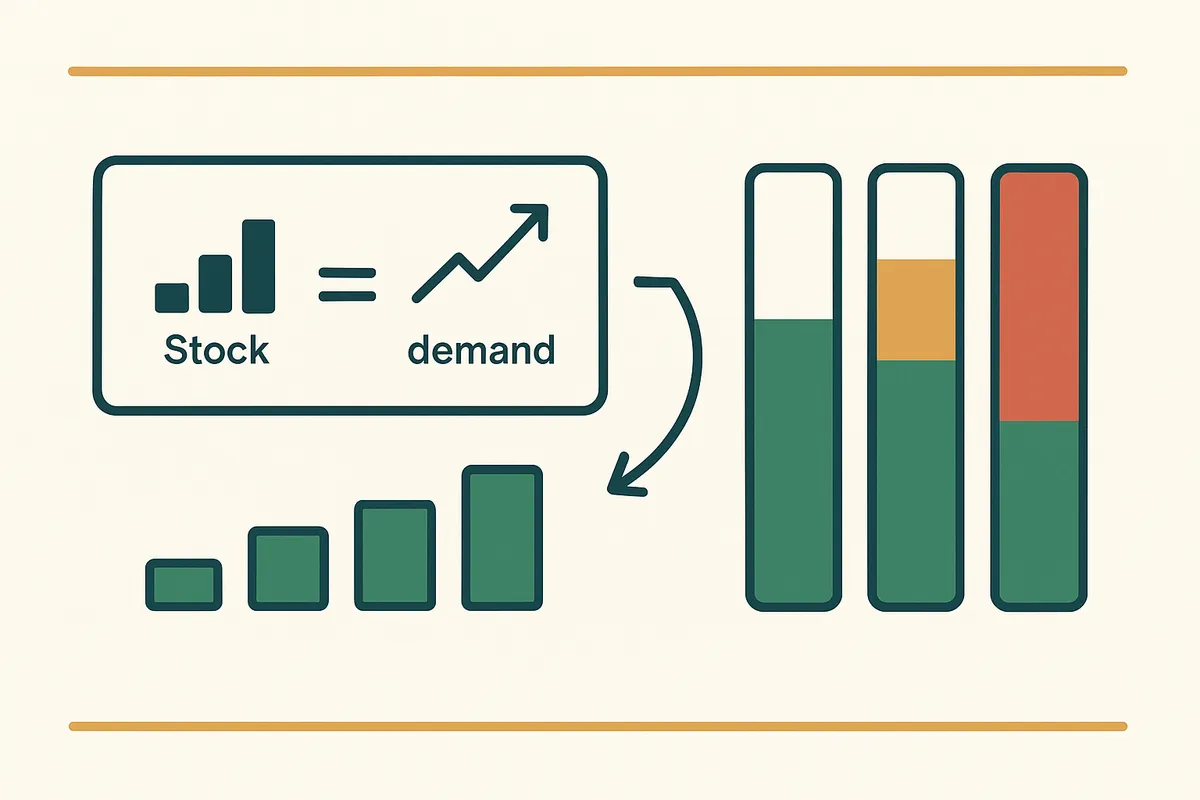
How to Calculate Weeks Cover for Shopify: Formula, Examples & Free Calculator
Learn how to calculate weeks cover for your Shopify store with the exact formula, worked examples using real data from a 2,845 SKU brand, and a free inventory calculator tool.

Why Spreadsheets Fail for Inventory Management (And What to Use Instead)
Spreadsheets work until they don't. Here are the 5 specific ways Excel and Google Sheets fail growing Shopify brands — and the tipping point where you need a real system.
Get early access to Canopy
The inventory system built for Shopify brands. No spam — just a heads-up when we launch.