What Happens to Your Stocky Data After Shutdown?
By Canopy Team
Quick answer
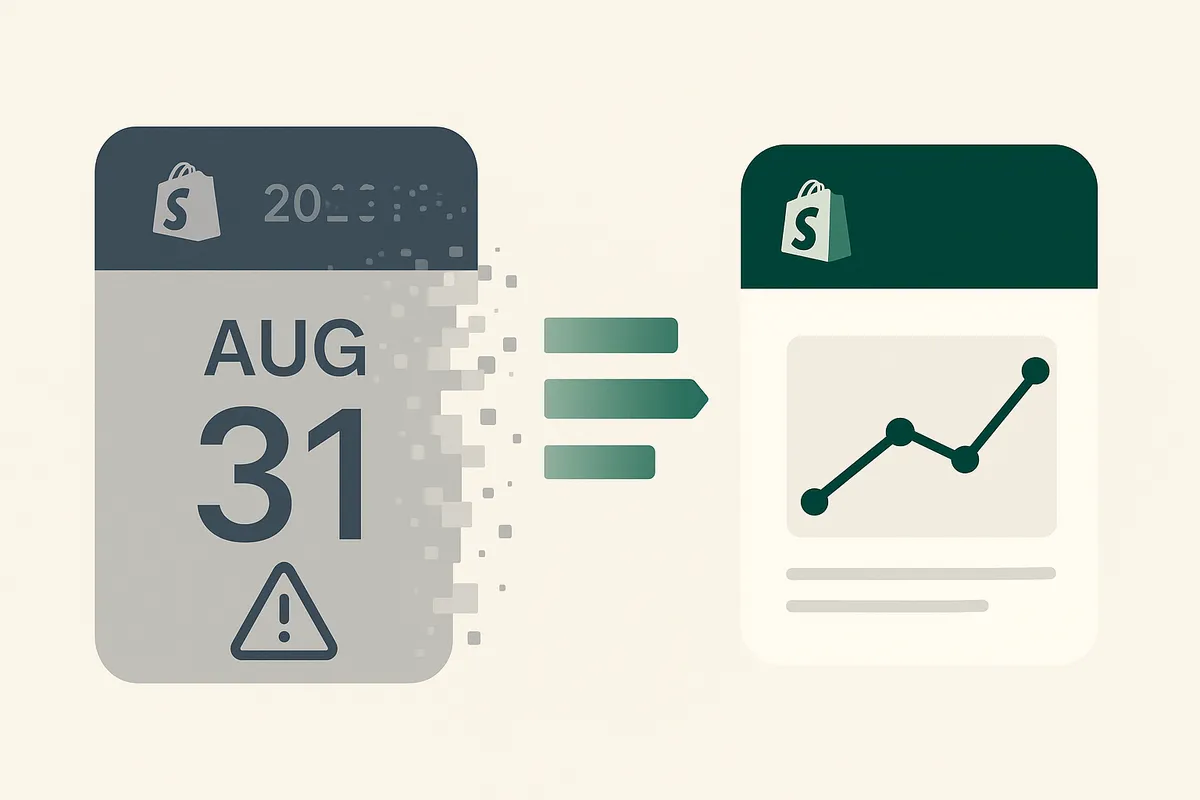
After 31 August 2026, you will permanently lose access to your purchase order history, supplier records, and demand forecasting data stored in Stocky. Shopify may provide temporary read-only access, but this is not a long-term solution. Supplier records cannot be bulk-exported at all. If you do not export your data before the deadline, it is gone. Start the export process now.
The Stocky shutdown timeline
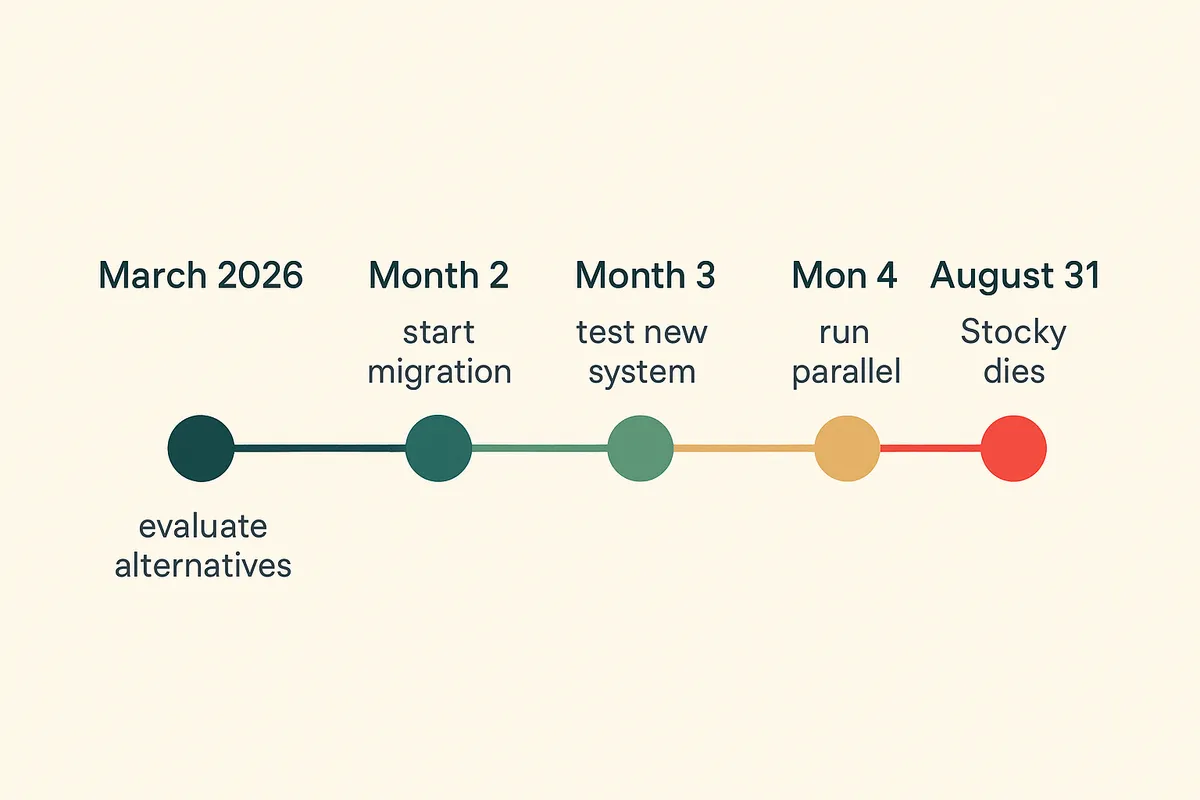
Understanding the timeline is critical for planning your export and migration. Here is what happens at each stage:
- Now (March 2026): Stocky is still functional but delisted. You can use it normally. You cannot reinstall it if you remove it. This is your export window.
- Before 31 August 2026: Full access to all Stocky features and data. Export everything during this period.
- After 31 August 2026: Stocky is removed from all stores. Shopify may provide limited read-only access for a temporary period. Duration is not confirmed.
- Long-term: No access. Data stored exclusively in Stocky is permanently lost. Your core Shopify data (products, orders, customers) is unaffected.
The critical point: relying on the post-shutdown read-only window is a gamble. Shopify has not confirmed how long it will last. Treat 31 August as your hard deadline.
What data you can export from Stocky
- Purchase order history — exportable as CSV files from within the Stocky app. This includes PO numbers, line items, quantities ordered, quantities received, and cost prices.
- Demand forecasting reports — the forecast data Stocky generates based on your sales history. Export these as CSV while the app is still active.
- Transfer records — if you use multi-location inventory and have created stock transfers through Stocky, export these records separately.
- Stock adjustment history — any manual stock adjustments made through Stocky rather than through Shopify admin.
What you cannot export (this is the problem)
Supplier records stored in Stocky cannot be exported automatically. This is the biggest gap in the shutdown process. If you have built up supplier profiles with contact details, lead times, minimum order quantities, and payment terms inside Stocky, there is no one-click export for this data. You need to manually copy this information into a spreadsheet or directly into your replacement system before the shutdown.
This is not a minor inconvenience. For brands with 5-10 suppliers, it is an afternoon of work. For brands with 20+ suppliers, each with different lead times, MOQs, and payment terms, losing this data means rebuilding months of supplier relationship records from memory and old emails.
What Shopify keeps after Stocky is removed
Your core Shopify data is unaffected by the Stocky shutdown. Product listings, variant data, current stock levels, order history, and customer data all live in Shopify core, not in Stocky. Stocky is a layer on top of Shopify that adds purchase orders, supplier management, and demand forecasting. When Stocky is removed, the data unique to Stocky disappears. Your Shopify store continues to function normally.
The export process (do this now)
- Open the Stocky app from your Shopify admin.
- Go to Purchase Orders and export each PO as CSV. Do this for all open, completed, and cancelled POs.
- Go to Suppliers and manually record each supplier's details (name, contact, lead time, MOQ, payment terms) in a separate spreadsheet. There is no bulk export for this.
- Go to any demand forecasting reports and export them as CSV.
- Save all exported files in a dedicated folder. Label them clearly with dates.
- Verify the exports by opening the CSV files and checking the data is complete.
What to do with your exported data
Your exported Stocky data serves two purposes. First, it is your historical record. Purchase order history tells you what you ordered, when, and at what price. This is valuable for negotiating with suppliers and understanding cost trends. Second, it is the foundation for your replacement system. Most inventory management apps can import purchase order history from CSV files, giving you continuity when you switch.
Before importing data into a new system, clean it. Remove cancelled POs that serve no purpose. Update cost prices to reflect your most recent supplier quotes. Verify lead times against actual recent delivery performance rather than the optimistic estimates you may have entered years ago.
What you should do right now
Regardless of which replacement system you choose, these three steps should happen this week:
- Export all data from Stocky. Follow the export steps above. Save everything in a clearly labelled folder. This protects you no matter what happens next.
- Audit your current inventory setup. Do you know your weeks cover for every SKU? Do you know which products are tying up cash as dead stock? If not, you have a data gap that switching systems alone will not fix.
- Start evaluating replacements. A proper migration takes 8-12 weeks. Working backwards from 31 August, you need to begin by mid-May at the latest.
Most brands do not realise how many gaps exist in their inventory data until they are forced to move systems. A migration is your one opportunity to clean house and start fresh with accurate data.
Most merchants do not know their real inventory health until they measure it properly. A 2-minute audit shows you exactly where you stand.
Canopy gives Shopify brands the inventory clarity they need to grow.
Choosing a replacement before the deadline
The replacement you choose should handle the things Stocky did well (purchase orders, basic demand forecasting) plus the things Stocky did poorly (weeks cover analysis, landed cost tracking, supplier portal workflows, multi-location inventory). There is no reason to migrate to a system that has the same limitations you are leaving behind. Look for a tool that gives you weeks cover per SKU, real landed cost visibility, and a way for your supplier to interact directly with your purchase orders rather than through email and spreadsheets.
Canopy is built as a direct Stocky replacement with weeks cover forecasting, supplier portal, and landed cost tracking included from day one.
Canopy gives Shopify brands the inventory clarity they need to grow.


Frequently Asked Questions
Yes, unless you export it first. Purchase order history stored in Stocky will become inaccessible after the shutdown. Export all POs as CSV files before 31 August 2026. Your Shopify order history (customer orders) is unaffected — that data lives in Shopify core.
There is no automatic bulk export for supplier records in Stocky. You need to manually copy each supplier's details (name, contact information, lead times, MOQs, payment terms) into a spreadsheet or directly into your replacement system. Start this process early — it takes longer than expected if you have many suppliers.
If you uninstall Stocky, you cannot reinstall it. The app has been delisted from the Shopify App Store. Only stores that currently have Stocky installed can continue using it until the shutdown date. Do not uninstall until you have fully migrated to a replacement.
Shopify has not announced a direct built-in replacement for Stocky's purchase order and demand forecasting features. Shopify's native inventory tools handle basic stock tracking and multi-location management, but they do not include purchase order creation, supplier management, or demand forecasting.
A proper migration takes 8-12 weeks including data export, system evaluation, setup, and parallel running. Starting by mid-May 2026 gives you a comfortable timeline. Rushing the migration leads to data accuracy problems that take months to resolve.
Related pages
Full comparison of Canopy vs Stocky for Shopify brands
Free 2-minute audit showing your inventory health score
Why Shopify native inventory tools are not enough for growing brands
How Canopy compares to Linnworks for Shopify-first brands
Related Articles
Stocky App Shutting Down: What Shopify Merchants Need to Do Before August 2026
Shopify's Stocky app is shutting down on 31 August 2026. Here's what happens to your purchase orders, demand forecasting, and stock reports — and the best Stocky replacements to migrate to.

Best Stocky Alternatives for Shopify in 2026: 5 Apps Compared Honestly
Stocky is shutting down in August 2026. We compare the 5 best Shopify inventory management alternatives — Canopy, Prediko, Fabrikator, Cin7, and Linnworks — on features, pricing, and who each one is actually for.
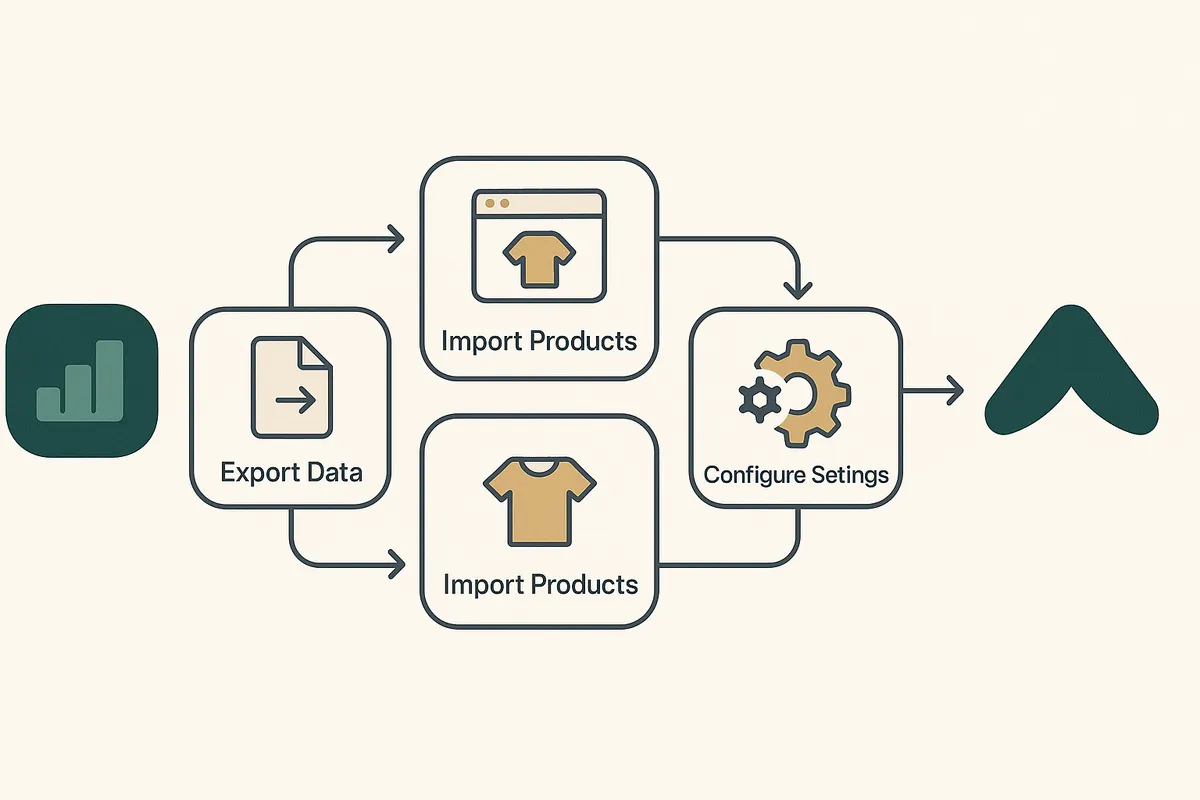
How to Migrate from Stocky Before August 2026: Step-by-Step Guide
A complete step-by-step guide to migrating from Shopify's Stocky app before the August 2026 shutdown. Export data, evaluate alternatives, set up your new system, test, and go live — with a realistic timeline.

Why Shopify Brands Run Out of Stock (And How to Fix It)
The 7 most common reasons Shopify brands experience stockouts on their best sellers — and practical fixes for each one. No generic advice, just actionable steps.
Get early access to Canopy
The inventory system built for Shopify brands. No spam — just a heads-up when we launch.